

Open source · TypeScript and Rust
CHERNOBYL: approve your AI coding agents from your phone
An Android app to watch, steer and approve Claude Code, Codex, OpenCode and Antigravity agents on your PC, through a local companion with end-to-end encryption and no cloud.
- Built by
- Nakshatra Ranjan Saha
- Language
- TypeScript and Rust
- Licence
- GPL-3.0
- Version
- v0.1.2, released on 24 November 2026
- Phone
- Android 7.0 or later, plus a separate client for Android 4.4 tablets
- Desktop
- Windows companion, one Rust program
Download CHERNOBYL CHERNOBYL on GitHub CHERNOBYL documentation
Overview
CHERNOBYL is a free, open-source Android app that lets you watch, steer and approve Claude Code, Codex and other AI coding agents running on your PC, from your phone. It talks to a small desktop companion on your own computer, with no cloud server, account or relay in between. Our founder, Nakshatra Ranjan Saha, CEO of N&D Co., designed and built it.
It works with Claude Code, OpenCode, Codex and Google Antigravity. It is an independent project, not made by or affiliated with Anthropic, OpenAI or Google. When an agent stops to ask whether it may run a command or edit a file, the request appears on your phone with the exact command and its risk, and you approve or reject it there. You can also follow the conversation as it streams, send the next instruction, stop a run, browse the project's files and review its git changes.
The phone app is built with React Native and Expo, the same stack we use for mobile app development for clients. The desktop companion is a single Rust program with no third-party libraries. The code is free software under the GNU General Public License v3.0, and its first releases, 0.1.0 and 0.1.1, came out on 22 November 2026, and 0.1.2, which fixed entering the access token before pairing, on 24 November 2026.
Links, versions and releases
| Item | Details |
|---|---|
| Source code | The CHERNOBYL repository on GitHub |
| Documentation | The CHERNOBYL documentation |
| Current version | v0.1.2, released on 24 November 2026: release notes for v0.1.2 |
| All releases | Every CHERNOBYL release on GitHub |
| Commit history | Every CHERNOBYL commit on GitHub, from the first on 21 October 2026 |
| Licence | The GPL-3.0 licence |
Download CHERNOBYL
Every build is on the CHERNOBYL releases page on GitHub. These buttons download the current release, 0.1.2, straight from there:
- Android appchernobyl-0.1.1-android.apk, Android 7.0 or later
- Android 4.4 tablet clientchernobyl-kitkat-0.2.0-android4.4.apk, about 300 KB
- Windows companionchernobyl-companion-0.1.1-windows-x64.exe, Windows 64-bit
- ChecksumsSHA256SUMS.txt, to check a download
The Windows companion is not code-signed, so Windows SmartScreen warns before the first run. Check each file against SHA256SUMS.txt if you want to be sure it is the one we published. The steps to set it all up are in How to install CHERNOBYL, further down this page.
What problem does CHERNOBYL solve?
AI coding agents such as Claude Code and Codex work for minutes at a time, then stop and wait for permission before they run a command or change a file. If you are away from the desk, the work waits until you are back. Leaving every request on auto-approve fixes the waiting but means nobody checks what the agent runs.
The usual way to reach a desktop from a phone is a cloud relay: the app and the computer both connect to someone else's server. For coding agents, that server would see your prompts, your code and every approval. In CHERNOBYL the phone connects straight to a companion program on your own PC, over your network or a tunnel you run yourself, and everything after pairing is encrypted end to end.
- Approvals reach you wherever you are, with the exact command, so you can check it before you say yes.
- Nothing runs on a CHERNOBYL server, because there is none: no account, relay, hosted database, analytics or telemetry.
- Each agent keeps its own sign-in and its own data on your PC. CHERNOBYL never copies your credentials.
What can you do from the phone?
Watch and steer agents
- See every host, agent and session on one dashboard, with pending approvals and recent activity.
- Follow a live conversation as it streams: the agent's text and reasoning, tool cards with their input, output and diffs.
- Send a follow-up prompt, attach a photo from the camera to a Claude Code prompt, switch the model or stop a run.
- Start a new task: pick an agent and an allow-listed folder, then describe the job.
- Open past Claude Code, Codex and Antigravity sessions from the folders you allow, including ones started in a terminal or VS Code.
Approve or reject requests
- Each permission request shows the exact command or edit and its risk, with Approve once and Reject, and a separate choice to approve for the rest of the session.
- Requests from the agent's own options appear inside the conversation too, such as allow once or deny with a reason.
- Claude Code sessions running in a terminal or VS Code can ask the phone as well, once you install its approval hook. If the phone does not answer within 120 seconds, the PC asks as usual.
- Ways to bypass permissions are never reachable from the phone.
Files, git and a terminal
- Browse an allow-listed project folder read-only, with secrets masked and every value in .env files hidden.
- Review git status and diffs, stage and unstage, commit, pull (fast-forward only) and push the current branch, never forced.
- Run one command line at a time in a project folder, if you turn the terminal on in the PC's settings. It is off by default.
A demo mode, marked Simulation on every screen, shows the app with sample data and no PC, so you can look around before you install the companion.
An old Android tablet as an agent screen
The main app needs Android 7.0 or later. For older devices, CHERNOBYL has a second client written in plain Java for Android 4.4 (KitKat) tablets. It is about 300 KB, needs no Google Play services and pairs and encrypts exactly like the phone app, byte for byte, so an old tablet can sit beside the desk as a screen for your agents. Its one outside library is ZXing, an open-source QR code reader.
- Sessions, live conversations, approvals, alerts, files and git, like the phone app.
- Its own encryption code, because Android 4.4 has no ChaCha20-Poly1305 built in, with TLS 1.2 switched on and the certificates a tunnel needs bundled, since Android 4.4 lacks them.
- Signed so that Android 4.4 accepts it, and published as its own APK next to the phone app.
The screenshots below are the tablet client on an Android 4.4 emulator, paired with a companion running its demo data, so every agent and session is marked Simulated.
How does CHERNOBYL work?
CHERNOBYL has two parts: the phone app and a companion program on your Windows PC. The companion starts or attaches to your agents, and the phone talks only to the companion.
- You install the companion on your PC and list the project folders the agents may work in. A setup script writes the settings, creates an access token, adds a firewall rule and starts the companion with Windows.
- The companion prints a pairing QR code that works once and expires after 5 minutes. You scan it with the phone app.
- The QR code carries a key made for that one phone. Phone and PC prove to each other that they hold it, and from then on every message between them is encrypted and numbered, so a copied or altered message is refused.
- The companion runs Claude Code, Codex and Antigravity in the allowed folders, or attaches to an OpenCode server you already run, and passes their output and permission requests to the phone.
- Your answers go back to the companion, which checks each one before the agent continues. A request that has expired can no longer be approved, on either side.
At home the phone connects over your own network. Away from home it can use a tunnel you run yourself, such as ngrok or Tailscale; the companion then insists on the encrypted session for every command, so a stolen token alone cannot run anything.
Privacy and security
CHERNOBYL is local-only. Data moves between your PC and your paired phone and nowhere else; there is no CHERNOBYL server to send it to. The agents themselves still send your prompts to their own providers (Anthropic for Claude Code, OpenAI for Codex, Google for Antigravity) under those providers' terms, as they do when you use them at the desk.
- Live conversations are held in memory only, on both sides, cut to a size limit, cleaned of known secret formats such as API keys, and dropped an hour after a session ends.
- The companion keeps a local record of the commands and approvals it handled (the newest 5,000, events for 7 days at most) so that a repeated command is never run twice. Each phone's pairing key is stored encrypted with Windows' own data protection.
- Allow-listing a folder means trusting it: an agent started there loads that project's own settings and tools. The companion refuses drive roots, your user folder and its own data folder.
- You can revoke a phone from the PC at any time. Its live connection closes at once and its next attempt to connect is refused.
The repository's privacy document lists every item the companion stores, where and for how long.
How CHERNOBYL was built and tested
| Part | Built with |
|---|---|
| Phone app | React Native 0.88 and Expo SDK 58 in TypeScript, with Expo Router, TanStack Query, Zustand, React Hook Form and Zod, SQLite and the device keystore |
| Desktop companion | Rust, using only the standard library: one program with the WebSocket server, pairing, encryption and the agent connections |
| Shared code | TypeScript packages for the message protocol, the app's data rules and the encrypted session |
| Android 4.4 client | A separate plain Java app of about 300 KB with the same pairing and encryption, for older tablets |
Our founder started the project on 21 October 2026 and designed and built it, using AI coding assistants for some of the work. It has two test suites: one for the TypeScript code and one for the Rust companion, whose run on 4 November 2026 counted 369 unit tests, 13 command-line tests and 5 lifecycle tests with none failing. They include known-answer tests for the encryption, sample encrypted messages that the phone's code and the companion's code must both read the same way, and tests that send tampered and replayed messages. A 24-hour soak test of the companion passed on 24 October 2026.
The release app was checked on an Android 15 emulator against a real companion: pairing, reconnecting after the app or the companion restarts, losing the network, running in the background and revoking a phone.
Known limits
- The app has been tested on emulators, not yet on a physical phone, so camera scanning and phone makers' battery settings are not yet confirmed.
- No independent security assessment has been done. Automated tests and our own review are not a substitute for one.
- The Windows companion is not code-signed, so Windows SmartScreen warns before the first run. Each release publishes SHA-256 checksums so you can check the download is the one we published.
- The Android app includes Google's ML Kit barcode scanner, which the camera library uses to read the pairing QR code, and Google Play services libraries that the notifications library brings in.
- In the background, Android keeps the connection only while the app is not swiped away from recent apps. Notifications come from the app itself, not a push service, so nothing arrives while the connection is down.
How to install CHERNOBYL
CHERNOBYL is not on Google Play. The signed Android app, the Windows companion and their SHA-256 checksums are the downloads at the top of this page, from the CHERNOBYL releases page on GitHub.
- Download the APK from the latest release and install it. Android asks you to allow installs from your browser or file manager the first time.
- On the PC, download the companion (or build it with Cargo) and the source code, then run the setup script from the source folder with the folders your agents may work in. For a downloaded companion, add -Exe with its path.
- Open the app, choose Pair with a host and scan the QR code the setup script prints. Then enter the access token the script printed, as the pairing guide shows: app 0.1.1 keeps a token typed in before you scan, which 0.1.0 dropped.
powershell -ExecutionPolicy Bypass -File scripts\setup-windows.ps1 -Workspaces 'C:\Projects\my-app' -Exe "$HOME\Downloads\chernobyl-companion-0.1.1-windows-x64.exe"The script turns on Claude Code for those folders. Add -Codex, -OpenCode or -Antigravity to connect those agents, and -PhoneApprovals to let terminal and VS Code sessions of Claude Code ask the phone. Sign in to each agent on the PC once first; CHERNOBYL uses its sign-in and never copies it.
To get updates automatically, add the repository to Obtainium, a free Android app that installs and updates apps straight from their GitHub releases.
Frequently asked questions
What is CHERNOBYL?
CHERNOBYL is a free, open-source Android app that shows you what the AI coding agents on your PC are doing and lets you answer their permission requests. It connects to a small companion program on your own computer, so permission requests, live conversations and git changes reach your phone without a cloud server in between.
Which AI agents does CHERNOBYL work with?
Claude Code, OpenCode, Codex and Google Antigravity. The companion starts Claude Code, Codex and Antigravity in the folders you allow and attaches to an OpenCode server you already run. Claude Code sessions started in a terminal or VS Code can show on the phone too.
Does CHERNOBYL need an account or a cloud server?
No. There is no CHERNOBYL account, relay, hosted database, analytics or telemetry. The phone talks only to the companion on your PC, over your own network or a tunnel you run yourself. The agents still send your prompts to their own providers, as they do at the desk.
How is the connection between phone and PC protected?
You pair the phone by scanning a QR code that works once and expires after 5 minutes. It carries a key made for that phone, which both sides use to prove who they are; after that every message is encrypted and numbered, so a copied or altered message is refused. You can revoke a phone from the PC at any time. No independent security assessment has been done yet.
Which phones and computers does CHERNOBYL run on?
The app needs Android 7.0 or later, and a separate small client covers Android 4.4 tablets. The companion runs on Windows. There is no iPhone release.
Is CHERNOBYL on Google Play?
No. The signed APK, the Windows companion and their SHA-256 checksums are published on the project's GitHub releases page. Obtainium, a free Android app, can install it from there and keep it updated.
Can I try CHERNOBYL without setting up a PC?
Yes. Choose Explore the demo on the first screen. The demo shows sample hosts, agents, sessions and approvals, marked Simulation on every screen, and runs nothing on any computer.
Who built CHERNOBYL, and what is its licence?
Our founder, Nakshatra Ranjan Saha, CEO of N&D Co., designed and built it, and N&D Co. publishes it on GitHub. It is free software under the GNU General Public License v3.0: you may use, study, change and share it, commercially too, and if you share a changed version you must publish its source under the same licence.
More open-source work
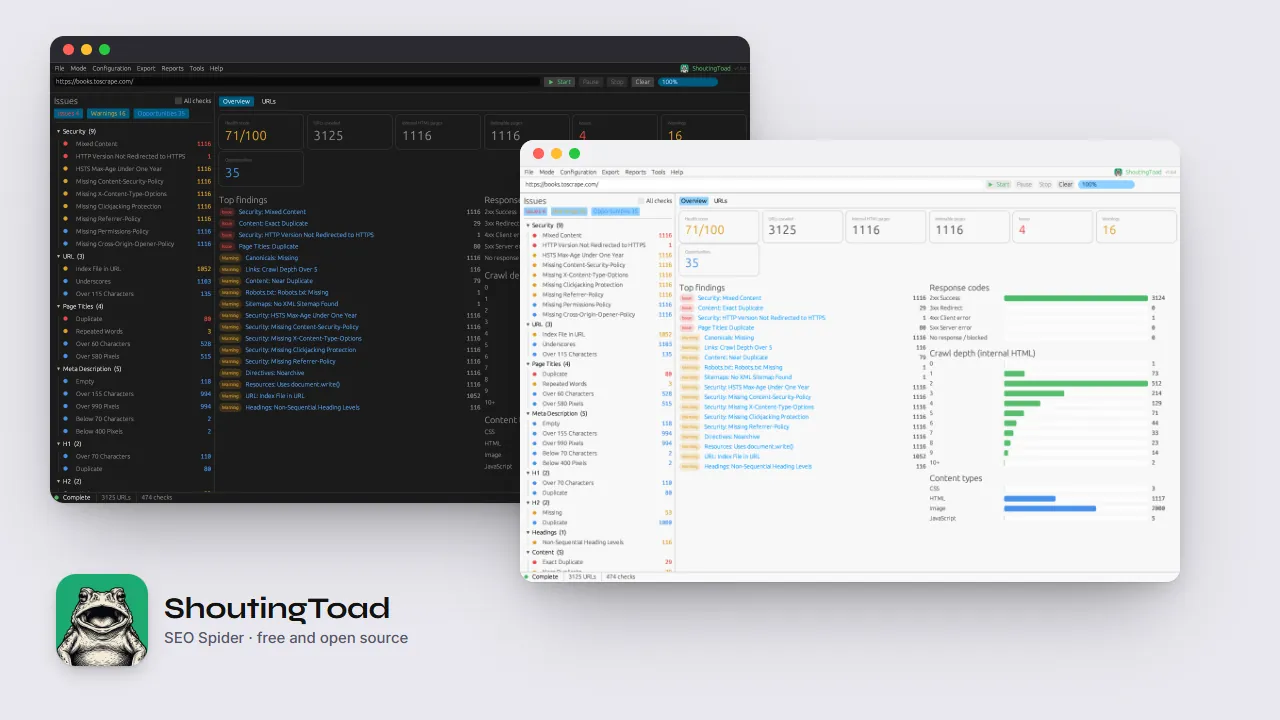
ShoutingToad
A free, open-source SEO spider for Windows, macOS and Linux. It crawls your site like a search engine and audits every page against 474 checks, with reports you can hand to a client.
See the project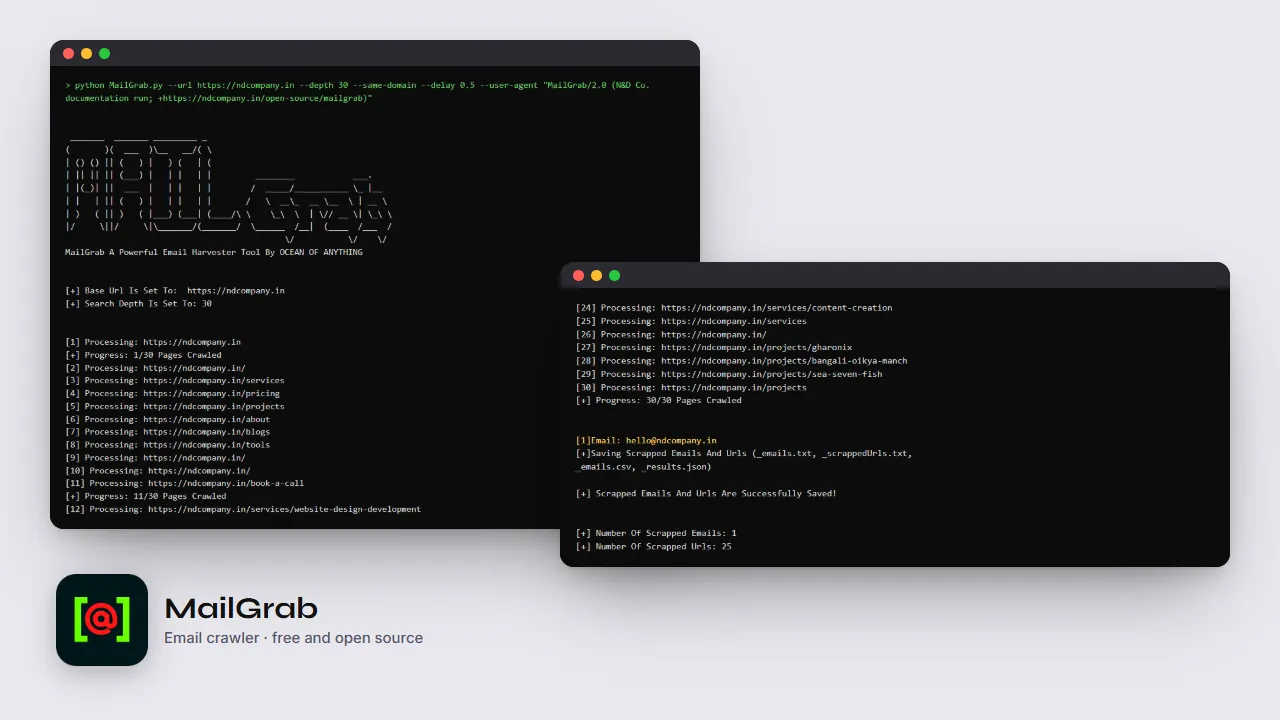
MailGrab
A crawler for checking which email addresses your own websites publish, and on which pages. It checks robots.txt by default and also runs as an MCP server.
See the projectNeed a tool built for your business?
Our software development service builds web applications and internal tools. Tell us what you need in a few lines and we will reply with questions or a quote.
Get a quote