Branding · Guide
Logo file types: which format to use where
SVG, PNG, JPG, PDF, AI, EPS, WebP and favicons: what each is for, which to send a printer or web developer, logo sizes, and the 59 files in a brand package we delivered.
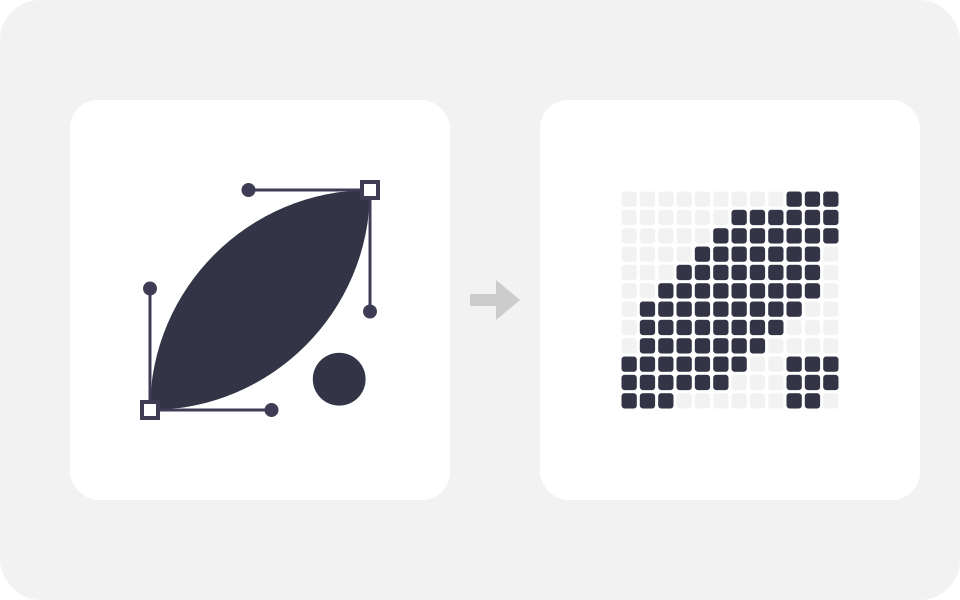
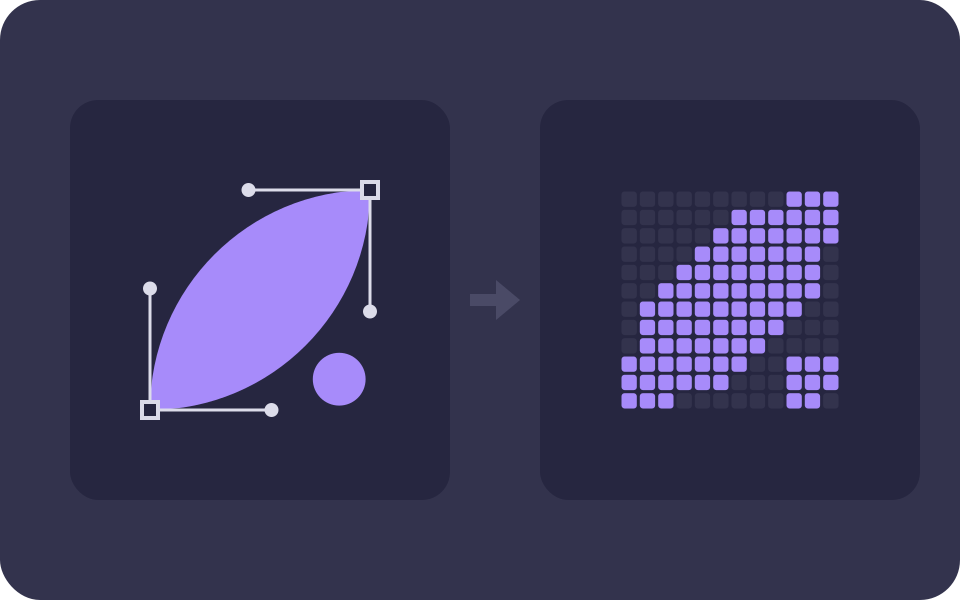
A business needs two kinds of logo file. The first is a vector master, which can be printed at any size: SVG for the web, PDF for printers, and AI or EPS for designers. The second is a set of PNG files with a transparent background, for everything else. JPG is for the few places that will not take PNG, and favicons need their own small square files. When we handed over the Sea Seven Fish brand identity, its logo folders held 59 image files for four versions of one logo. The smallest, the icon as an SVG, was 4.5 KB. The largest, the primary logo as a 2000 x 2000 pixel PNG, was 1,165 KB.
Logo file types at a glance#
Most logo packages use the same seven or eight formats. This is what each one is and where it belongs.
| Format | Vector or raster | Transparent background | Use it for |
|---|---|---|---|
| SVG | Vector | Yes | Your website, and handing to a web developer |
| Usually vector | Yes | Printers, signs, banners and stationery | |
| AI | Vector | Yes | Editing in Adobe Illustrator; keep it for your next designer |
| EPS | Vector | Yes | Older print and signage workflows that ask for it |
| PNG | Raster | Yes | Social media, documents, slides, email and most uploads |
| JPG | Raster | No | Places that reject PNG, on a white or solid background |
| WebP | Raster | Yes | Small, fast logos on a website |
| ICO and favicon PNGs | Raster | Yes | The small icon in browser tabs and Google results |
What is the difference between a vector and a raster logo?#
A vector file stores the logo as shapes: points, curves and fills, described in numbers. Your screen or printer draws those shapes fresh at whatever size it needs. Mozilla's developer documentation says SVG images can be rendered at any size without loss of quality, and the same holds for vector artwork in PDF, EPS and AI files. That is why a vector logo can go on a visiting card and on a shop sign from the same file.
A raster file stores a fixed grid of coloured pixels. A 2000 x 2000 pixel PNG looks crisp on a phone, but blow it up to a 3 metre flex banner and every pixel turns into a visible square. You cannot add detail that the file never had. So the vector file is the master, and every PNG or JPG is a copy made from it at a size chosen for one job.
If a designer sends only PNG and JPG files, ask for the vector files before you pay the final invoice. Without them, every printer and every future designer has to redraw your logo from a picture of it.
What each logo file format is for#
SVG: the vector file for the web#
SVG (Scalable Vector Graphics) is, in Mozilla's words, an XML-based markup language for describing two-dimensional based vector graphics. It is text, so a simple logo comes out very small, and it stays sharp on any screen. Mozilla's image format guide calls it ideal for user interface elements, icons, diagrams and other graphics that must be drawn accurately at different sizes.
There are two catches. An SVG is code and can carry scripts, and WordPress leaves SVG out of the file types it accepts by default, so a developer has to add safe support for it. And many upload forms take only pictures: Google Business Profile, for one, asks for JPG or PNG. Your web developer will want the SVG; most other people will want a PNG.
PNG: the everyday file#
PNG is a raster format with lossless compression, so it keeps hard edges and flat colours exactly. The W3C's PNG specification, now in its third edition, supports an optional alpha channel, which is what gives a logo a transparent background. Place it on a coloured slide or a photo and you see only the logo, with no white box behind it.
That makes PNG the file you will use most: social profiles, Word and PowerPoint, email signatures, invoices, WhatsApp Business and most website builders. Ask for PNGs of each logo version in colour, black and white, at a large size such as 2000 pixels, and make smaller copies when a platform asks for them.
JPG: only where transparency does not matter#
JPG (or JPEG) was made for photographs. Mozilla's guide is plain about it: "JPEG does not support an alpha channel", and its lossy compression gives poor results on sharp content such as text and diagrams. A JPG logo always has a background, usually white. Keep one for the odd form that refuses PNG, and use it only on a white page.
PDF: the file to send a printer#
A PDF can hold vector artwork, fonts and colour settings in one file that nearly any computer can open. For printed work we send PDFs: the Sea Seven Fish business cards and brand seal went to the client as print-ready PDFs. A printer in Kolkata or anywhere else can open them without design software.
One warning: a PDF is only vector if the logo inside it is. Turn a PNG into a PDF (our own image to PDF converter does exactly that) and you get a PDF that holds a picture, which still blurs when enlarged. It is fine for sending a document, but it does not replace a vector file.
AI and EPS: the designer's files#
Adobe describes AI files as "the native vector file type for Adobe Illustrator". It is the editable working file. Most people cannot open it, but your next designer will want it.
EPS (Encapsulated PostScript) is older. Adobe calls it a common legacy format that has been overtaken by PDF, and Windows needs specialised software to open it. Some print and sign shops still ask for EPS, so it is worth having in the package even if you never open it yourself.
WebP: a lighter copy for websites#
WebP is a raster format that can be lossless or lossy and keeps transparency. Mozilla's guide says it offers much better compression than PNG or JPEG. You do not need it in your logo package; your web developer can make it from the PNG or SVG. Our own header logo is a 96 x 96 pixel WebP of 2.8 KB, drawn at 40 pixels on screen. Our full-size logo PNG, 1000 x 1000 pixels, is 33 KB.
ICO and favicon files: the tiny square#
The favicon is the icon in a browser tab and next to your site in Google's results. Google asks for a square that is at least 8 x 8 pixels, recommends one larger than 48 x 48, and lists BMP, GIF, ICO, PNG, JPEG, PPM and TIFF as the formats it supports. If your site's favicon is an SVG, add a PNG or ICO version too. For a website that can be installed like an app, Chrome needs at least a 192 x 192 pixel icon and a 512 x 512 pixel icon.
A wide logo will not survive at 16 pixels. That is why a good logo comes with a compact icon or monogram, and the favicons are cut from that, not from the full logo. Our post on logo versus brand identity covers the square and circle crops social platforms apply.
What was in a real logo package we delivered?#
Sea Seven Fish is a seafood brand whose brand identity we designed. The client received the package as one set of folders. The logo part of it looked like this.
| Folder | What it holds | Files |
|---|---|---|
| Logos | Primary, secondary and tertiary logos and the icon, each as SVG, PNG and JPG | 12 |
| Digital files | The same four versions sorted by format, for whoever needs one type | 12 |
| Logo variations | All four versions in full colour, black, white and greyscale, as PNG | 16 |
| Favicons | Browser, Apple and Windows tile icons from 16 x 16 to 310 x 310 pixels, an ICO, and the HTML to add them | 19 images and 1 code file |
| Source files | Editable Photoshop files for the three logos, with their layers | Not counted here |
Four logo versions became 59 image files. That sounds like a lot, but each one answers a question someone will ask later: is there a white version for the dark van? A square one for Instagram? A small one for the website tab? Having them ready saves a call to the designer every time.
We also measured the files. The chart below shows the same four logos in each format.
Size of the same logo in each file format, Sea Seven Fish package, KB
| Category | SVG (KB) | JPG (KB) | PNG (KB) |
|---|---|---|---|
| Icon | 4.5 | 88 | 137 |
| Tertiary logo | 10 | 113 | 184 |
| Secondary logo | 26 | 127 | 212 |
| Primary logo | 129 | 297 | 1,165 |
Three things stand out. First, SVG is far smaller for a simple mark: the icon is 4.5 KB as SVG against 137 KB as PNG, about 30 times smaller. Second, vector is not always tiny. The primary logo is a detailed emblem with many curves, and its SVG is 129 KB, because every curve is written out as numbers. Third, a full-size PNG is too heavy for a web page: at 1,165 KB, the primary logo's PNG would make a phone download more than a megabyte for a logo shown a few hundred pixels wide. Large PNGs are for print and editing. A website should use the SVG or a small copy, which also helps the loading speed we explain in our Core Web Vitals guide.
Why is my SVG or PDF logo blurry?#
The file type tells you how a file is stored, not what is inside it. An SVG or PDF can wrap a raster picture, and then it behaves like one. We made this mistake ourselves. The illustration at the top of our homepage is an SVG, and the logo inside it was once a 1000 pixel PNG. The file was 54 KB. When we replaced that picture with a 128 pixel copy, close to the size it is drawn at, the file dropped to 18 KB.
You can check a logo file in two quick ways. Open it in a browser and zoom in a long way: a true vector stays sharp, while a hidden picture turns soft or blocky. Or open an SVG in a text editor: if you see a long block of random-looking letters after data:image/png, a raster image sits inside it.
What size should a logo file be?#
A vector logo has no fixed size; that is the point of it. Raster copies do, and each platform sets its own. These are the sizes worth knowing, from the platforms' own pages.
| Use | Size and format |
|---|---|
| Favicon in Google Search | Square, at least 8 x 8 px; larger than 48 x 48 px recommended |
| Installable website icon (Chrome) | 192 x 192 px and 512 x 512 px |
| Google Business Profile logo | JPG or PNG, 720 x 720 px recommended, 250 x 250 px minimum |
| Master PNG in a logo package | The Sea Seven Fish PNGs are 2000 x 2000 px, enough for documents, slides and social posts |
| Print, signs and banners | Vector (PDF, EPS or AI), so the printer sets the size |
For the profile picture sizes on Facebook, Instagram, LinkedIn and YouTube, see the table in our logo versus brand identity post. All of them are squares, and some are cropped to a circle.
Which logo file should you send for each job?#
| Job | Send |
|---|---|
| Web developer | SVG, plus the PNGs and the favicon files |
| WordPress site you update yourself | PNG, since WordPress does not take SVG without extra setup |
| Printer: cards, letterheads, stickers | PDF, or the AI or EPS file if they ask |
| Sign, flex banner or vehicle wrap | PDF, AI or EPS, never a PNG or JPG |
| Social media and WhatsApp Business | The square icon as a PNG |
| Word, PowerPoint, invoices, email signature | PNG with a transparent background |
| A new designer or agency | Everything, including the AI or other editable source files and your brand style guide |
What logo files should you ask your designer for?#
Before you sign off a logo job, check the handover against this list.
- Vector masters of every version: SVG, PDF, and AI or EPS.
- PNGs with transparent backgrounds in full colour, black and white, at about 2000 pixels.
- A compact icon or monogram for small squares, with favicon files cut from it.
- The colour codes in HEX and RGB for screens and CMYK for print.
- Font names and licences, and vector files with the text converted to outlines so they open on any computer.
- A written statement that ownership of the final logo files passes to you, which our post on who owns a logo in India explains.
Store the whole package in two places, such as your Google Drive and a pen drive, and share a link to the folder instead of the files one by one.
Where to start#
If you already have a logo, open the files and check them against the list above. If all you have is a JPG from WhatsApp, a designer can redraw it as a vector before you need it on a sign. If you need a logo, our logo design service: even its first tier hands over AI, EPS, SVG and PDF files plus PNG exports. For a full system with colour, type and usage rules, see brand identity design.